Pairing BlueTooth keyboard
August 10th, 2017
Categories: Linux
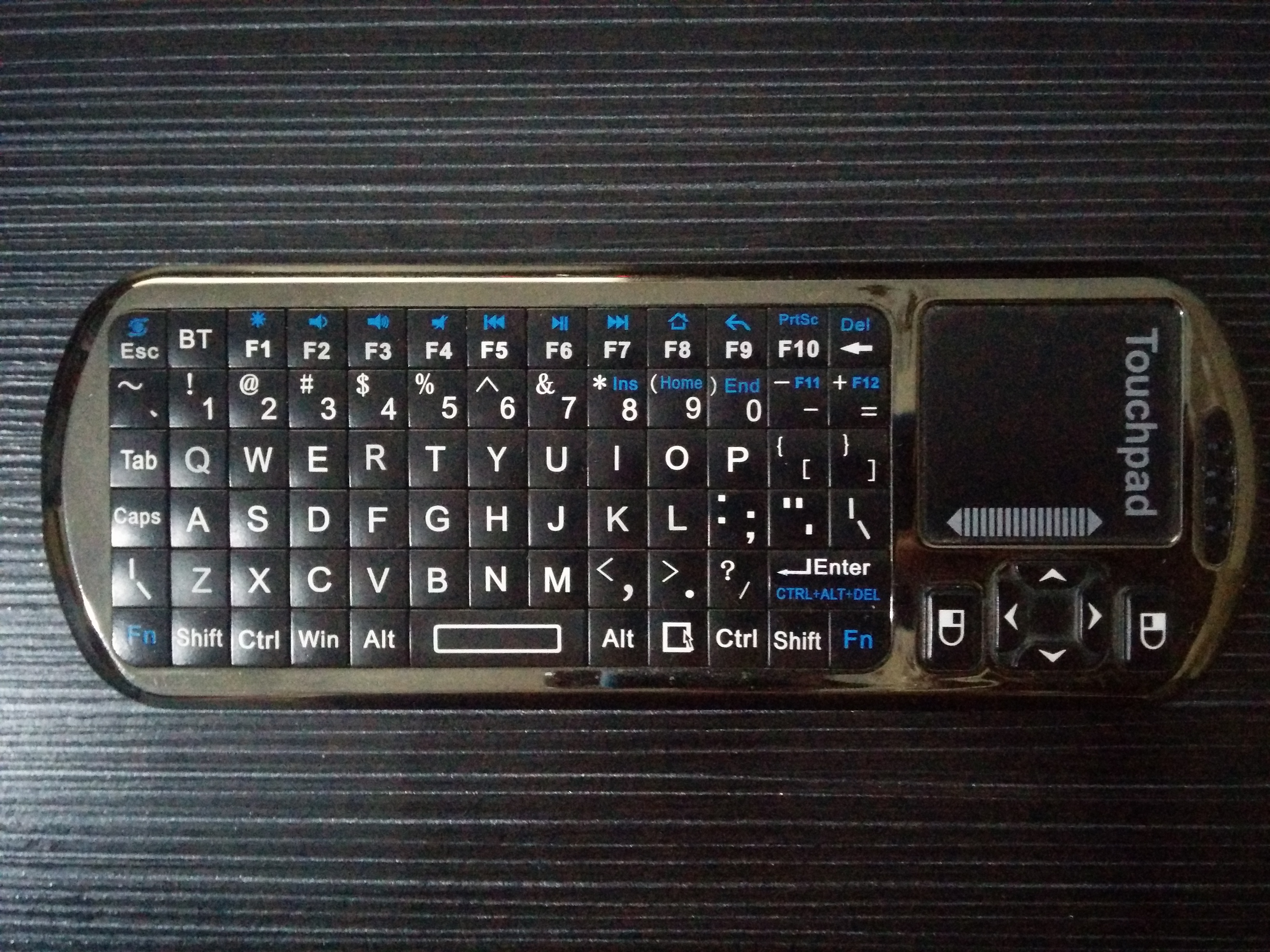
I’m going to pair my bluetooth keyboard+touchpad (Bluetooth iPazzPort), i’ll use the bluetoothctl tool.
- First we’ll install the required packages with the folllowing command:
sudo apt-get install pi-bluetooth bluez bluez-tools - We’ll start bluetoothctl -a in order to enter the program. Here i had a problem with the bluetooth daemon (the systemctl status bluetooth command returned an execution error), so i had to change permissions to this file with the following command:
sudo chmod +x /usr/lib/bluetooth/bluetoothd - Now we’ll execute all these commands:
power on<- Powering on the controlleragent KeyboardOnly<- Setting the pairing modedefault-agent<- Setting the default agentpairable on<- Viewable and pairablescan on<- Enabling scanningpair XX:XX:XX:XX:XX:XX<- Pairing with XX:XX:XX:XX:XX:XXtrust XX:XX:XX:XX:XX:XX<- Trusting XX:XX:XX:XX:XX:XXconnect XX:XX:XX:XX:XX:XX<- Connecting to XX:XX:XX:XX:XX:XXquit<- Exiting
If the device gets disconnected, we can connect again with hciconfig and hcitool
hciconfig hci0 up

hcitool cc XX:XX:XX:XX:XX:XX
Leave a comment
| Trackback
 Null Games